How to create a GitHub repository?
- Log in to your Github account.
- Click the “+” icon on the right side of the header menu.
- Select “New Repository” in the drop-down menu that appears.
In the upper-right corner of any page, use the drop-down menu, and select New repository.
Type a short, memorable name for your repository. For example, "hello-world".
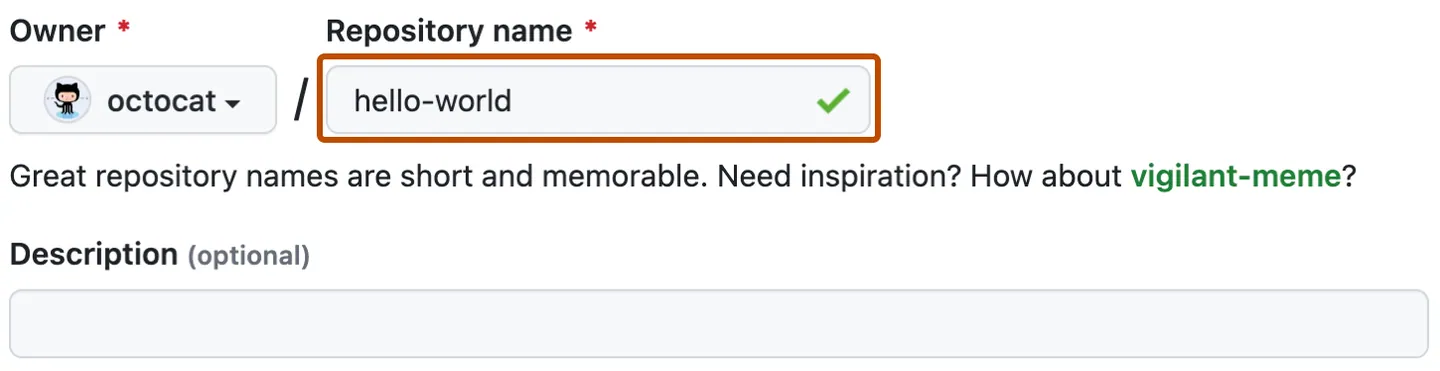
6.Optionally, add a description of your repository. For example, "My first repository on GitHub."
7.Choose a repository visibility. Public or Private.
8.Select Initialize this repository with a README.
- You can create a README, which is a document describing your project.
- You can create a .gitignore file, which is a set of ignore rules.
- You can choose to add a software license for your project.
9.Click Create repository.


Comments
Post a Comment